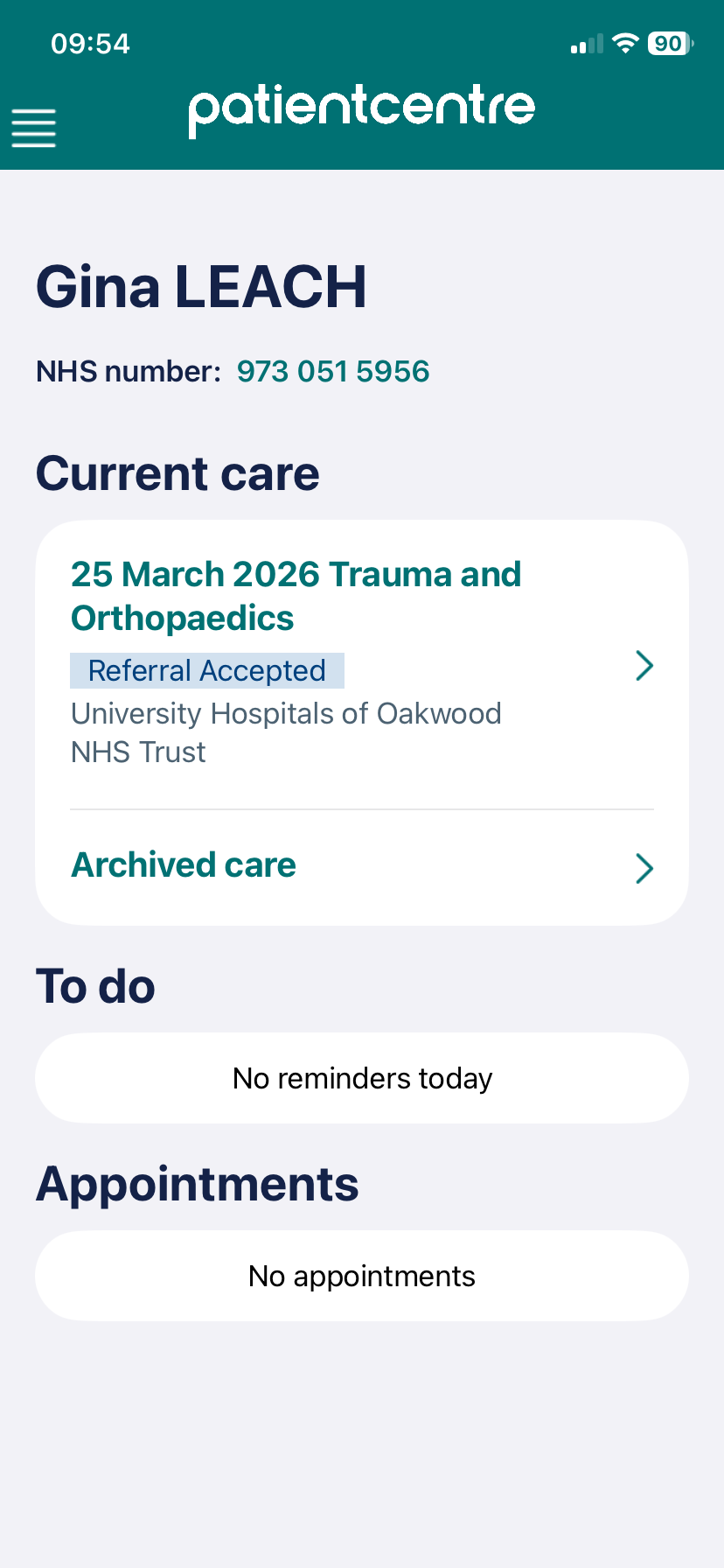
Patientcentre is a new, secure patient engagement app for iOS and Android mobile phones. It is free to download from the Apple App Store or Google Play Store and allows you to access and manage your hospital health records. It also enables you share your health records with family, friends, and carers so that they can help you manage your care.
How does Patientcentre work?
When you log into NHS login and agree to share your data with Patientcentre, the app will then automatically contact all healthcare providers signed up to Patientcentre and ask them to share medical data they have for you which will allow you to:
- View your future appointments
- View your waiting lists
- View your patient initiated follow ups
- View letters and messages from your hospital care team
- Share your health data with family, friends and carers
In the future, you will be able to change and cancel your appointments, send text, photo and video messages to your care team, complete digital forms and much more.
What if I don't want to use Patientcentre?
If you decide not to sign up to Patientcentre, your data will not be shared with the Patientcentre app by your hospital care team. Whether you do or do not sign up to Patientcentre, you will still be able to access hospital services as you have previously, such as telephoning the hospital and receiving letters by post. Patientcentre is, however, a quicker and easier way to access your healthcare data.
Where is Patientcentre available?
Patientcentre is currently part of a small pilot at University Hospitals of Leicester NHS Trust. While anyone who is a patient of University Hospitals of Leicester NHS Trust can download the Patientcentre app from the Apple App Store or Google Play Store, it is recommended that only patients who are part of the pilot do so for now, as only limited functionality will be available during the initial pilot.

To find out how to download Patientcentre, see the help article How do I download Patientcentre?
Was this article helpful?
That’s Great!
Thank you for your feedback
Sorry! We couldn't be helpful
Thank you for your feedback
Feedback sent
We appreciate your effort and will try to fix the article